You can have the strongest experience of every applicant and still get passed over if your curriculum vitae is a mess to look at. Formatting is not decoration. It is what lets a busy reader move through your CV without effort, and it is what lets the software many employers use read your details correctly. I have seen excellent people lose out because their CV was cramped, uneven or trapped inside a format the employer could not open. Let me show you how to get both the look and the file right, so your content gets the fair reading it deserves.
This guide covers two things. First, how to format a CV so that it is easy for a person to read. Second, how to save and name it as a PDF so that it opens cleanly on any device and passes through the scanning software that stands between you and a human. Both are simple once you know the rules, and both are worth getting right, because a strong CV in a poor format is a strong CV that never gets read.
Formatting a CV that is easy to read
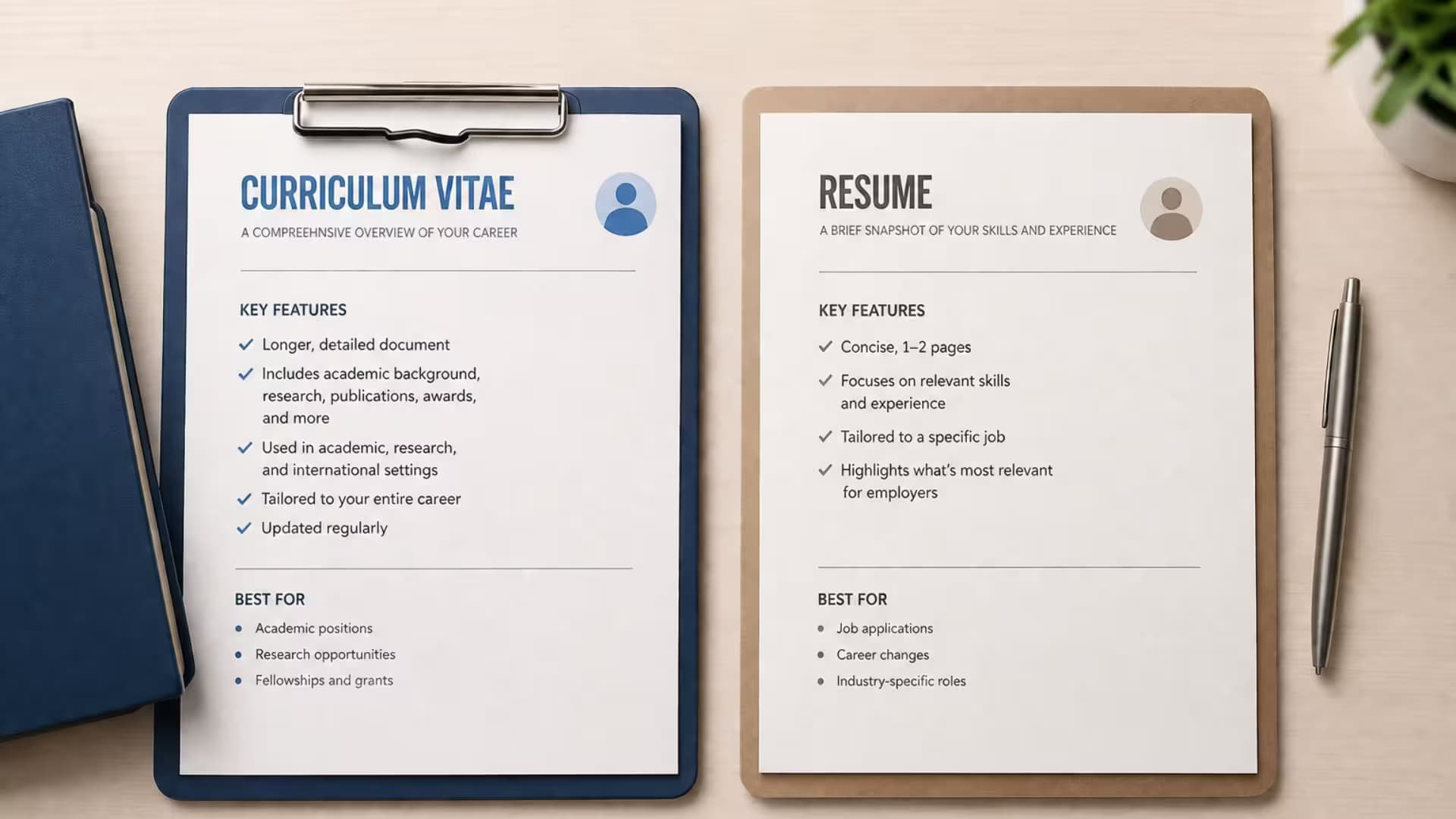
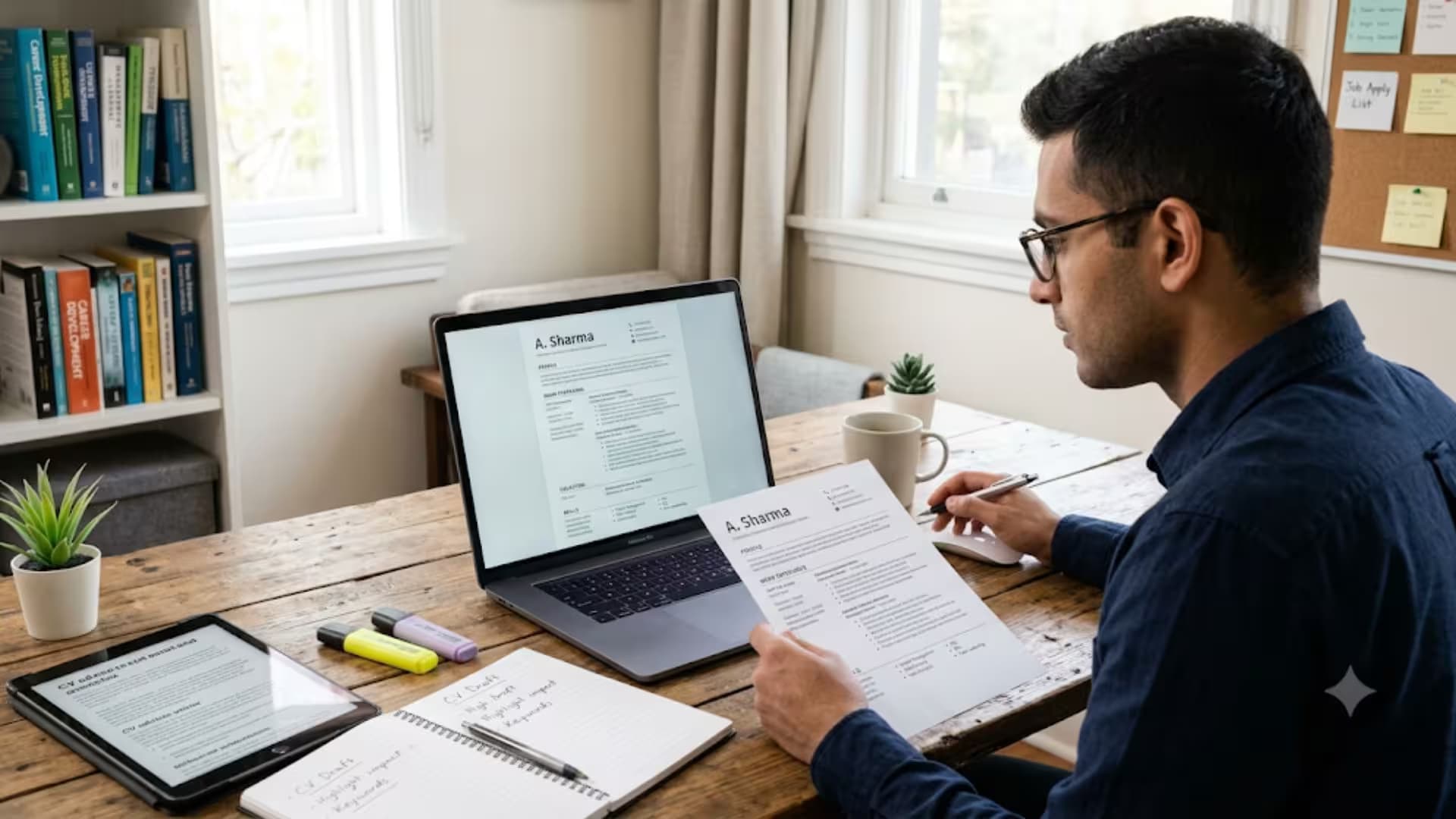
Good formatting is mostly about restraint. You are not trying to impress with design. You are trying to disappear, so that the reader notices your experience and not your layout. The picture below shows the habits that make a CV comfortable to read, and the sections that follow explain each one.

The formatting habits that make a curriculum vitae easy to read
Margins and white space
Leave clear margins of about two to two and a half centimeters on every side. White space is not wasted space. It gives the eye somewhere to rest and stops the page from feeling crowded. A CV that runs edge to edge with no breathing room is exhausting to read, and a tired reader is a reader who moves on. Let your CV breathe, and trust that a clean, open page invites attention while a dense one repels it.
Fonts, and which to choose
Use one clean font, such as Arial or Calibri, at around size eleven for the body and a little larger for headings. Do not mix several fonts, and do not reach for anything decorative or handwritten. A plain font is not boring. It is professional, and it reads well both on screen and on paper. Stay away from very light or very condensed fonts that look elegant but strain the eye. The reader should never have to work to make out your words, because a reader who has to squint is a reader losing patience.
Headings, spacing and alignment
Make your headings bold and consistent, all the same size and style, so the reader can find each section at a glance. Keep the same amount of space between every section, so the page has a steady rhythm. Line things up neatly down the page, with dates in the same place for every role. Small inconsistencies, a heading that is slightly larger here, a gap that is wider there, add up to a page that feels careless, even when the content is strong. Consistency is quiet, but the reader feels it.
Length
Keep the whole thing to two pages for most jobs, and one page when you are early in your career. Only academic and research roles call for the long version. Length is not a measure of effort. A tight two page CV shows that you can tell what matters from what does not, and that judgment is itself something employers want to see. If your CV is spilling onto a third page, the answer is almost never a smaller font. The answer is sharper editing.
Put your sections in the right order
Order matters as much as neatness, because the reader takes in your CV from the top down and rarely reaches the bottom on the first pass. Your name and contact details come first, then a short profile, and then the section that makes your strongest case. For most people with a few years of work behind them, that means work experience comes next, with education below it. For students and recent graduates, education moves up, because it is the strongest card you hold. Skills, achievements and references follow. The rule is simple. Put your best material where the eye lands first, near the top of page one, and let the weaker material sit lower down.
Bullet points or paragraphs?
On a CV, short bullet points usually beat long paragraphs for your work experience, because a reader scanning quickly can take in a crisp line far faster than a block of text. Use a few tight bullets under each job, each one showing a single result, and keep them to a line or two. Your profile at the top can be a short paragraph, since it is only three or four lines and reads well as prose. The mistake to avoid is a dense paragraph under every job, which forces the reader to dig for the point. Give them the point, cleanly, one bullet at a time.
How to lay out dates
Dates cause more untidiness than almost anything else on a CV. Choose one format and use it everywhere, such as the month and year for each role, and place the dates in the same spot for every job, usually to the right of the job title. Do not switch between styles, writing the full month in one place and a number in another. If you have a gap between jobs, it is better to show it honestly and be ready to explain it than to blur your dates to hide it, because blurred dates make a careful reader suspicious. Clear, consistent dates signal an honest and organized candidate.
A word on color
You do not need color to make a CV look professional, and too much of it does harm. A single, calm accent color for your headings is fine, and can help the sections stand apart. Beyond that, heavy blocks of color and bright text work against you. They can distract the reader, they print poorly if someone runs off a paper copy, and they can confuse the software that scans applications. If you use color at all, use it lightly, and make sure the CV still reads perfectly well in plain black on white, because that is how many people will end up seeing it.
Formatting for print as well as screen
Most CVs are read on a screen now, but not all. An interviewer may print your CV to bring into the room, and it should look just as good on paper as it does on a monitor. Avoid pale grey text that fades when printed, keep your margins wide enough that nothing is cut off at the edge, and check that any color still reads clearly in black and white. A quick test is to print your CV once yourself, or to view it in black and white, before you send it. If it holds up on paper, it will hold up anywhere.
Why you should save your curriculum vitae as a PDF
When you save your CV as a PDF, the layout is locked. It looks the same on your computer, on the employer's computer and on a phone. A file you send as an editable document can shift its spacing, change its font, or fall apart when it is opened on a different machine with different software. Imagine spending an evening lining everything up, only for it to arrive on the recruiter's screen with the dates knocked out of place and a heading stranded at the bottom of a page. Writers at Jobscan make the same point. A PDF protects the tidy work you have just done.
A PDF also looks finished. It signals that you prepared a document rather than dashing off a draft. That small signal of care works in your favor before the reader has taken in a single achievement, in the same way that arriving on time and neatly dressed works in your favor before you have said a word.
The one time to send a Word file instead
There is a simple exception. If the job advert asks for a document in Word format, send it in Word format. Instructions come first, always, and ignoring a clear instruction is a quiet way to fail before you begin. The smart move is to keep both versions ready, a clean Word file and a polished PDF, so you can send whichever the employer asks for without scrambling at the last minute. Some agencies also prefer Word because they edit CVs before passing them on, so when you are dealing with a recruiter rather than the employer directly, it is worth asking which they want.
PDF and the software that scans your CV
Many employers use software called an applicant tracking system to read applications before a human does. This is where some myths cause needless worry. Most modern versions of this software read a normal, text based PDF without trouble. The problems come not from the PDF itself but from what is inside it. Trouble starts when your CV is really a picture of text, when your details are hidden inside tables, columns and text boxes, or when clever graphics break the order the software reads in.
So the rule is not to fear the PDF. The rule is to keep the inside simple. Real text, plain headings, a single clean column or a light two column layout, and no important information locked inside an image. Do that and your PDF will be read just as well by the machine as by the person, and you will never have to wonder whether your application quietly failed a test you could not see.
How to make a PDF the software can read
There is one quick habit that settles the whole question. After you save your PDF, open it and try to select a line of text with your mouse. If the words highlight, the software can read them. If nothing highlights, your CV has become an image, and you need to save it again from the original document rather than from a scan or a screenshot. This one check catches the most common and most damaging formatting mistake there is, and it takes five seconds.
How to save your curriculum vitae as a PDF
It takes seconds in the programs most people use.
1. In Microsoft Word, choose File, then Save As, and pick PDF from the list of file types.
2. In Google Docs, choose File, then Download, then PDF Document.
3. On a phone, use the share or export option in your document app and choose PDF or print to PDF.
4. Open the PDF you have just created and read it through, because this is exactly what the employer will see.
Name the file so a person can find it
A file called document one, or new CV final, or the dreaded new CV final final version two, helps nobody. Name it with your own name and the word CV, for example Samira_Haddad_CV.pdf. When a recruiter has fifty files in a folder, a clear name makes yours easy to find, and it looks professional before anyone even opens it. A messy file name is a small thing, but small things add up to an impression, and you want every impression working for you.
Check your PDF before you send it
Take one minute to check the finished file. Open it on a different device if you can, a phone as well as a computer, to be sure it holds together. Confirm that the text highlights when you drag your mouse over it. Check that no heading has been left stranded at the foot of a page and that nothing spills onto an unwanted third page. And read your contact details one more time, because a single wrong digit in a phone number means the best CV in the world never gets the call.
A few practical points about the file
Keep the file size sensible. A CV should be a small file, well under a few megabytes, so it sends and opens quickly. If your file is very large, it usually means an image has bloated it, which is another reason to keep pictures out of a normal CV. Do not password protect your CV, because a reader who cannot open it will simply move on. And avoid unusual file types altogether. A PDF for most cases, and a Word file when asked, cover almost every situation you will meet.
Common formatting mistakes
The same problems appear over and over. People cram the page with no margins and tiny fonts to fit more in. They mix several fonts and heading sizes so the CV looks restless. They hide their work history inside a heavy table or a narrow side column that the scanning software cannot follow. They save a scanned image of a printed CV, so the text cannot be read at all. They use pale grey text that vanishes when printed. And they send a file named so carelessly that it looks unfinished. Each of these is easy to fix, and fixing them puts you ahead of a surprising share of the pile.
Questions job seekers ask about CV format and PDFs
Is a PDF or a Word file safer to send?
For most applications a PDF is safer, because it keeps your layout fixed and reads well in modern scanning software. Send Word only when the advert asks for it. Keeping both ready is the wisest approach.
Will a PDF break the software that scans my CV?
A normal text based PDF will not. What breaks the software is text saved as an image, or details buried in tables and text boxes. Keep the layout simple and the PDF will be read correctly.
Does a PDF really look the same on every device?
Yes, that is the main reason to use one. A PDF holds its fonts, spacing and layout wherever it is opened, which an editable document cannot promise.
Should I password protect my CV?
No. A password only makes it harder for a busy recruiter to open your file, and a file that will not open is a file that gets skipped. Send it plainly.
How big should the file be?
Small, usually well under a couple of megabytes. A large file almost always means an unnecessary image is inside. Keep pictures out of a normal CV and the file stays light.
A final word
Formatting and file choice are the quiet half of a strong application. Your words win the interview, but only if they reach the reader in one clean piece. Format your CV with restraint, order your sections well, save it as a text based PDF, name it clearly, and check it before you send. Do that, and your experience arrives exactly as you intended, which is all you can ask of a document that has to travel without you.
Recruiter tip: After you save the PDF, try to select and copy a line of text inside it. If your mouse highlights the words, the scanning software can read them. If you cannot highlight anything, your CV has become an image, and you need to save it again from the original document.
Sources
• Jobscan, resume PDF versus Word
• Indeed, how to write an applicant tracking system friendly resume