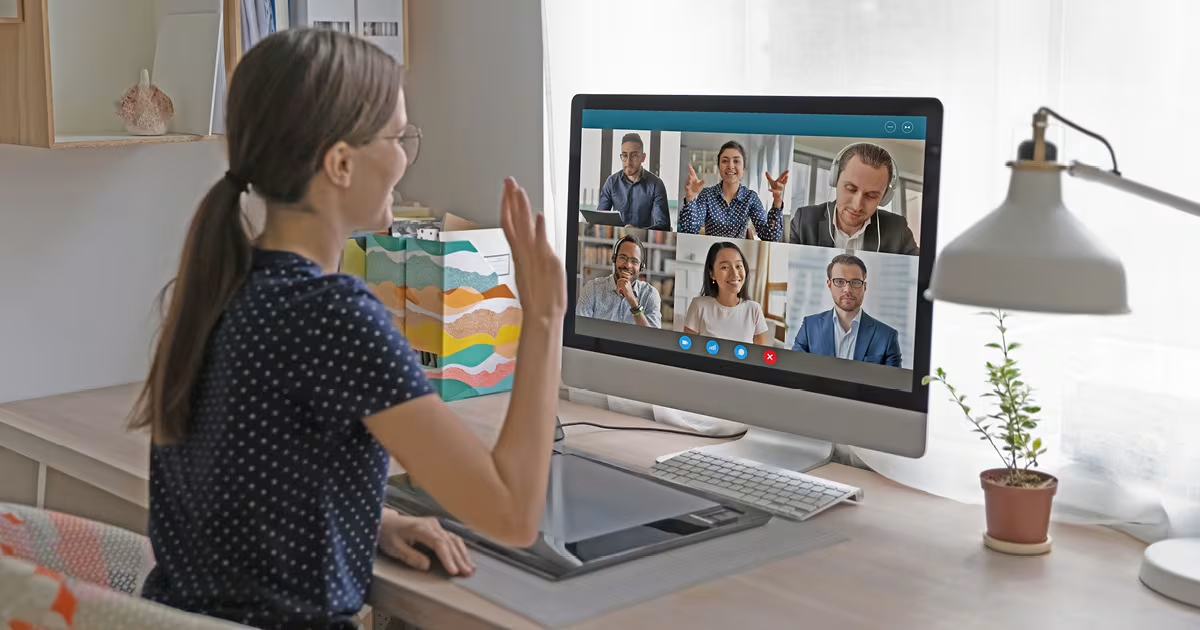
New hires across multi-site retail stores and regional fulfillment centers forget most compliance rules before week two when onboarding training videos cram an entire 52-page HR handbook into a single uninterrupted webinar recording. Policy PDFs keep expanding every time state labor rules, badge protocols, or POS return codes change, leaving People Ops teams trapped between shipping outdated screen recordings or overwhelming newcomers on Day 1.
HR surveys highlight why marathon orientation fails. Research tracked across talent platforms points out that roughly 81 percent of new hires already feel buried under administrative detail during their first week, while the Association for Talent Development regularly warns that shallow orientation programs built around one generic executive welcome clip and a document dump fail to anchor real job readiness.
Skip full video rewrites if a handbook section covers fast-changing regional shift calendars or purely optional commuter perks that change every quarter. Invest production effort strictly in high-friction operational procedures where consistent demonstration prevents costly floor mistakes, safety incidents, or payroll errors.
Why single orientation decks fail distributed onboarding training videos
Filming a continuous forty-minute HR orientation session feels efficient until two things break inside ninety days. First, a shift supervisor at Store 14 cannot scrub twenty-two minutes into a generic headquarters recording just to verify breakroom locker rules before onboarding a seasonal associate. Second, updating one state-specific overtime paragraph forces an L&D producer either to splice awkward audio patches or re-record the whole presenter track.
Treating a handbook as an indivisible binder also violates basic workforce reality across distributed sites. Warehouse forklift check-ins, front-of-house cash drawer sign-offs, and corporate office travel expense filings apply to totally different job families. Forcing everyone through identical slides breeds instant tuning-out during hour one.
Structural teardown: splitting one handbook into six focused video tracks
When an HR team audits an unwieldy orientation packet and refactors it into role-specific microlearning chapters, four teardown rules separate useful modules from shelfware:
- Group chapters strictly by role and workstation timing (Week 1 Day 1 Universal, Store Floor POS, Back-of-House Receiving, Supervisor Timecard Sign-Off) rather than following corporate legal folder order.
- Enforce a hard three-minute runtime ceiling per module (350 to 450 spoken words) so floor associates finish a single lesson on a breakroom kiosk tablet between shifts without pausing mid-sentence.
- Strip duplicate legalese paragraphs out of narration scripts and show clean bullet reminders alongside plain spoken instructions, linking out to the archived written policy inside the company HRIS for formal sign-off.
- Maintain separate modular drafts for rules that vary across languages or labor jurisdictions instead of cramming bilingual captions over tiny English-only policy text.
Notice where honest capability boundaries matter in L&D procurement. Standalone video generation streamlines script structuring, narration, and multi-language updates, yet video generators don't replace your Learning Management System. If federal or OSHA compliance mandates audit-stamped completion tracking, SCORM packages, or scored branching tests, publish generated MP4 lessons inside your existing LMS container rather than assuming an MP4 link alone records legal quiz grades.
How HR teams rebuild a modular library step by step
Once source chapters sit cleanly separated in .docx, .pdf, or .txt files, producing modular lessons no longer waits on studio bookings or camera talent calendars. Moving chapter documents into an AI learning video generator lets People Ops generalists convert written procedures into structured video outlines paired with presenter narration and clean scene typography in hours.

Configuring an HR onboarding module inside Leadde's AI Video Creator using the Training category strip, balanced duration selector, and template styles.
Work through these six implementation steps when converting a legacy orientation binder:
- Extract one discrete procedure (such as Badge Access and Visitor Escort Rules) into a clean .docx or .pdf file without multi-column appendix tables, decorative cover banners, or legal headers that clutter automatic outline parsing.
- Upload the document inside Leadde's AI Video Creator (supporting .pptx, .pdf, .doc, .docx, and .txt) or pass reference files into Video Agent, choosing Summary (1 to 3 minutes) or Balanced (3 to 5 minutes) duration targets so lessons hold mobile attention.
- Configure audience and tone parameters cleanly (Narrative Style and Audience), then inspect the generated outline and tighten jargon or company-specific software terms inside Leadde's script editor before rendering.
- Keep visual layers clean: leave Leadde's optional stock or AI imagery focused on relevant workplace cues, and upload authentic company photos of real uniforms, punch clocks, or safety signage via the media panel rather than relying purely on abstract office scenes.
- Select language and voice consistency across the platform's 88 language options, exporting localized 1080p .mp4 tracks (and .srt / .vtt caption files where included on paid plans) for multilingual floor crews without re-shooting on set.
- Embed finished clips beside acknowledgment checkboxes inside your LMS or shared knowledge hub, enabling Leadde's interactive viewer chat Q&A panel on review links when learners want quick keyword answers inside long policy explanations.
Watch one file-input habit closely: Video Agent accepts documents, images, URLs, and text briefs, yet doesn't treat raw .mp4 camera clips as starting input prompts. When you already hold real factory-floor equipment walkthrough footage that must sit between narrated explanation slides, bring those .mp4 assets straight into Leadde's Studio Editor via My Media and map them across scenes cleanly using Video Fit.
Governance habits that keep regional policies accurate after launch
Launching ten crisp modules only solves half of L&D's yearly maintenance headache if nobody tracks which rule changed in Q3. Pair every generated draft inside your Leadde project library with a simple quarterly spreadsheet tracking three dates: policy source revision date, rendered video publish date, and regional language parity status.

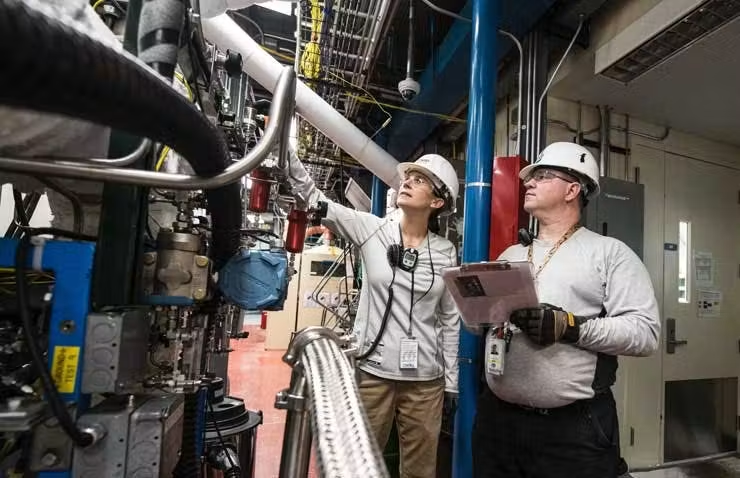
Floor associates reviewing three-minute regional safety microlearning clips directly at a standing facility kiosk station.
Whenever wage laws or POS workflows shift, open that single modular draft in Leadde, duplicate it (My Videos > Duplicate) so prior audit versions stay preserved, edit just the two changed sentences in Scene 2, and re-export the updated MP4. That isolated revision habit drops typical policy update lead time from multi-week external vendor loops down to a single afternoon HR task.
Ensure every kiosk-ready clip keeps captions toggled on by default too. Busy fulfillment bays and retail stockrooms are noisy environments where muted captions keep shift instructions readable even without earbuds.
Practical HR questions on handbook-to-video workflows
Can HR teams pull internal compliance policies without exposing confidential company terms?
Yes, if managed thoughtfully. Keep sensitive proprietary customer tables or unredacted personnel numbers out of visual slides, enable password protection on external Leadde share pages when sharing internally outside an LMS, and host final .mp4 exports inside your company's SSO-gated LMS portal.
How short should a single onboarding module be for deskless hourly staff?
Aim for 90 seconds to 3 minutes targeting a single actionable rule or task. Long 20-minute orientation cuts hurt completion on shared tablets during busy floor shifts and bury critical safety instructions mid-video.
What happens when state regulations alter one policy clause mid-year?
Instead of scrapping an entire onboarding playlist, open only the affected three-minute module draft, duplicate it for version audit history, adjust the updated script lines inside Leadde Studio, and swap just that single .mp4 lesson in your LMS curriculum.
Refactoring a heavy employee handbook doesn't require an enterprise studio budget. Break the master PDF into clean role-based chapters once, keep every single module under three minutes, and regional updates stop delaying new-hire ramp-up across stores and warehouses.