What Is ClockShark?
ClockShark is a cloud-based time tracking and job costing platform built specifically for construction, field service, and trade-based businesses. Founded in 2014 by Cliff and Joe Mitchell and now used by 9,500+ companies, the platform focuses on one core problem: transforming unreliable, manual time data into accurate, payroll-ready labor records that reflect where work actually happens on job sites, not in offices.
Unlike generic time trackers, ClockShark is mobile-first and GPS-driven. It is designed for crews working across multiple locations, often without consistent connectivity, where inaccurate time reporting directly impacts payroll, invoicing, and project profitability. Today, ClockShark is used by thousands of construction, landscaping, electrical, plumbing, and home service companies worldwide.
Pros and Cons of ClockShark
Pros:
- Built specifically for construction and field service teams
- Strong GPS verification without continuous surveillance
- Excellent job costing and task-level labor allocation
- Deep integrations with QuickBooks, ADP, Sage, and Xero
- Automation options: Zapier triggers and actions route updates and reports without manual work
- CrewClock allows supervisors to clock in entire teams
- Active-user pricing avoids paying for dormant employees
Cons:
- No native mileage or vehicle tracking
- Complex overtime rules (e.g. union contracts) require workarounds
- Per-user pricing can add up for very large crews
- The system lacks granular rounding controls and smoother mobile performance on older devices.
- Less suitable for office-based or knowledge workers
Core Features and Functionality
Mobile Time Tracking and Clock-In Methods
ClockShark is designed for real-world field conditions. Employees can clock in using:
- iOS and Android mobile apps
- Tablet kiosks (KioskClock)
- Supervisor-controlled crew clock-ins (CrewClock)
- Web punch clock for office staff
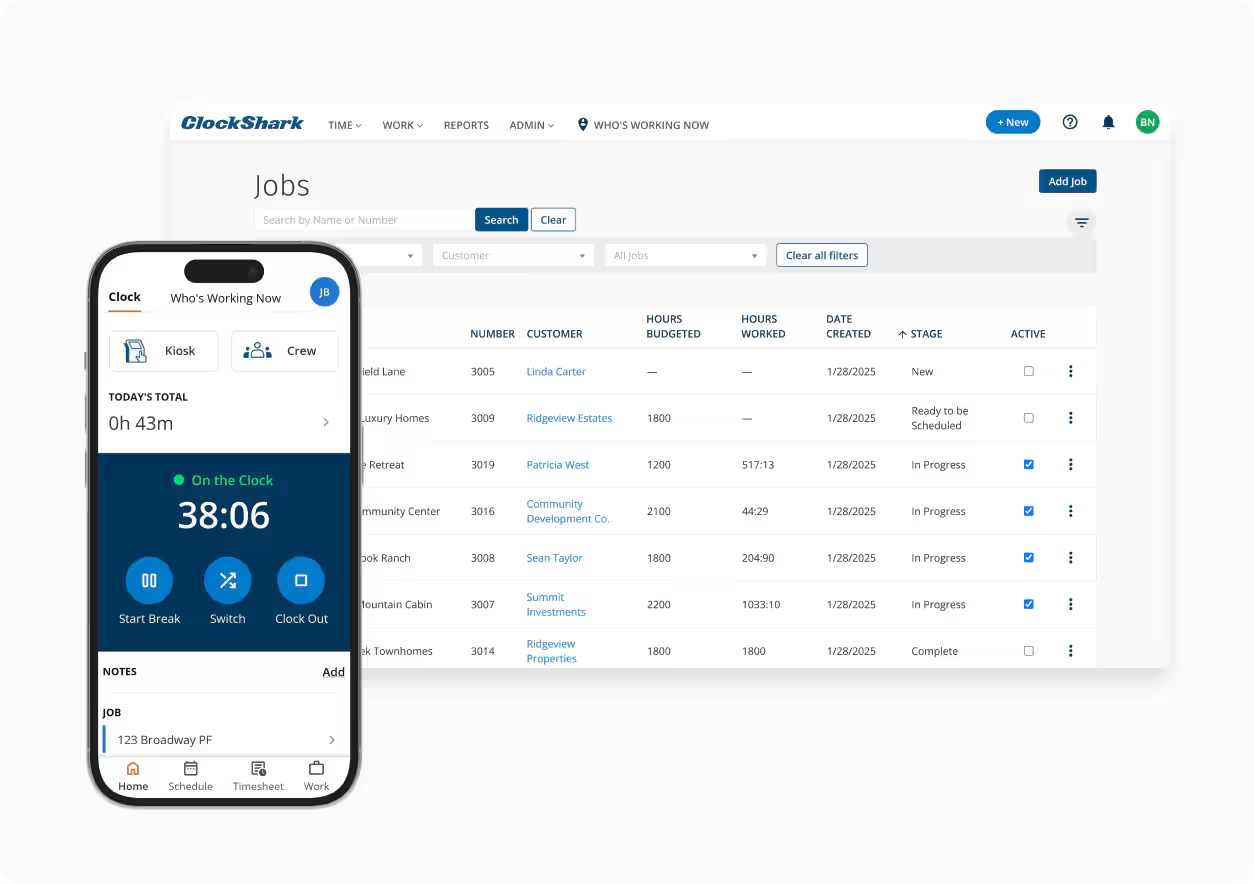
The mobile app is intentionally simple. Workers can start work, take breaks, or switch tasks with a single tap. GPS coordinates are captured only while employees are clocked in, reducing privacy concerns while maintaining accountability.
Offline functionality ensures that time and location data are still recorded in remote areas and synced automatically once connectivity is restored.
GPS Tracking, Geofencing, and Location Verification
ClockShark’s accountability model is built around GPS verification rather than constant monitoring. Location pings occur at clock-in, clock-out, task changes, and periodically during active shifts.
Administrators can configure geofences around job sites. When employees enter or leave a site, the app prompts them to clock in, clock out, or switch tasks. This is good at reducing missed punches and misallocated labor.
To prevent abuse, ClockShark includes mock-location detection, which blocks GPS spoofing apps from falsifying locations.
Job Costing and Task-Level Labor Tracking
Job costing is where ClockShark truly stands out. Jobs can be broken down into tasks or cost codes, allowing managers to track exactly how much labor is spent on each activity.
Employees can switch tasks without clocking out, ensuring labor costs are accurately attributed in real time. On higher-tier plans, managers can:
- Compare budgeted vs actual labor hours
- Restrict which tasks employees can see
- Require shift wrap-up responses for compliance and reporting
These controls help identify overruns early before they erode project margins.
Scheduling, Communication, and Shift Management
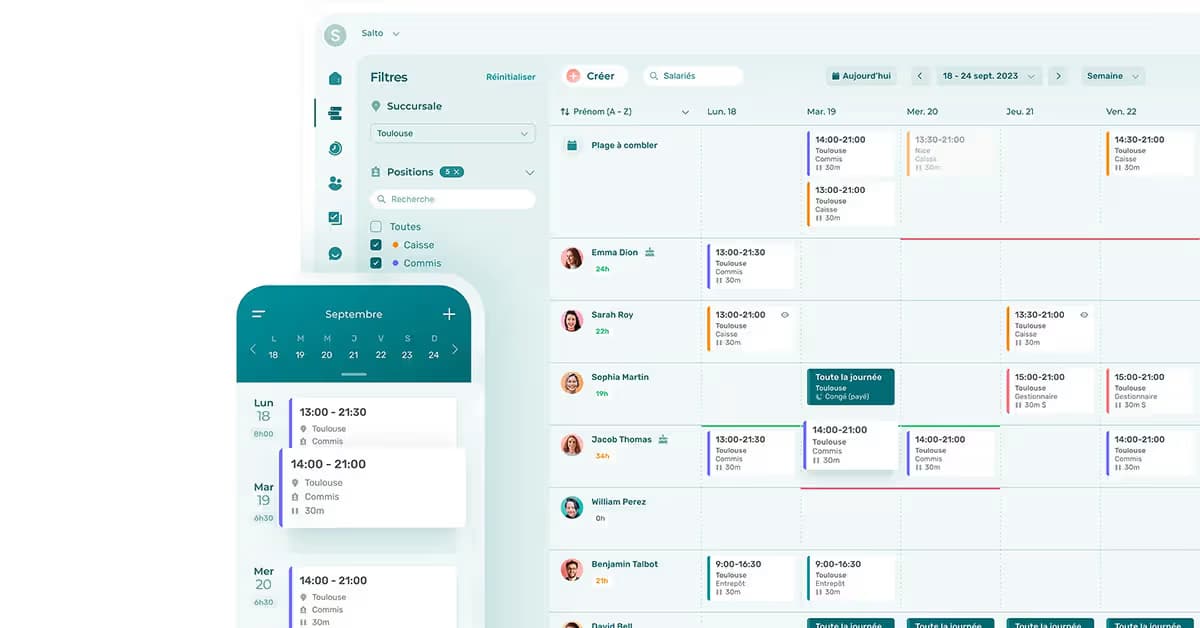
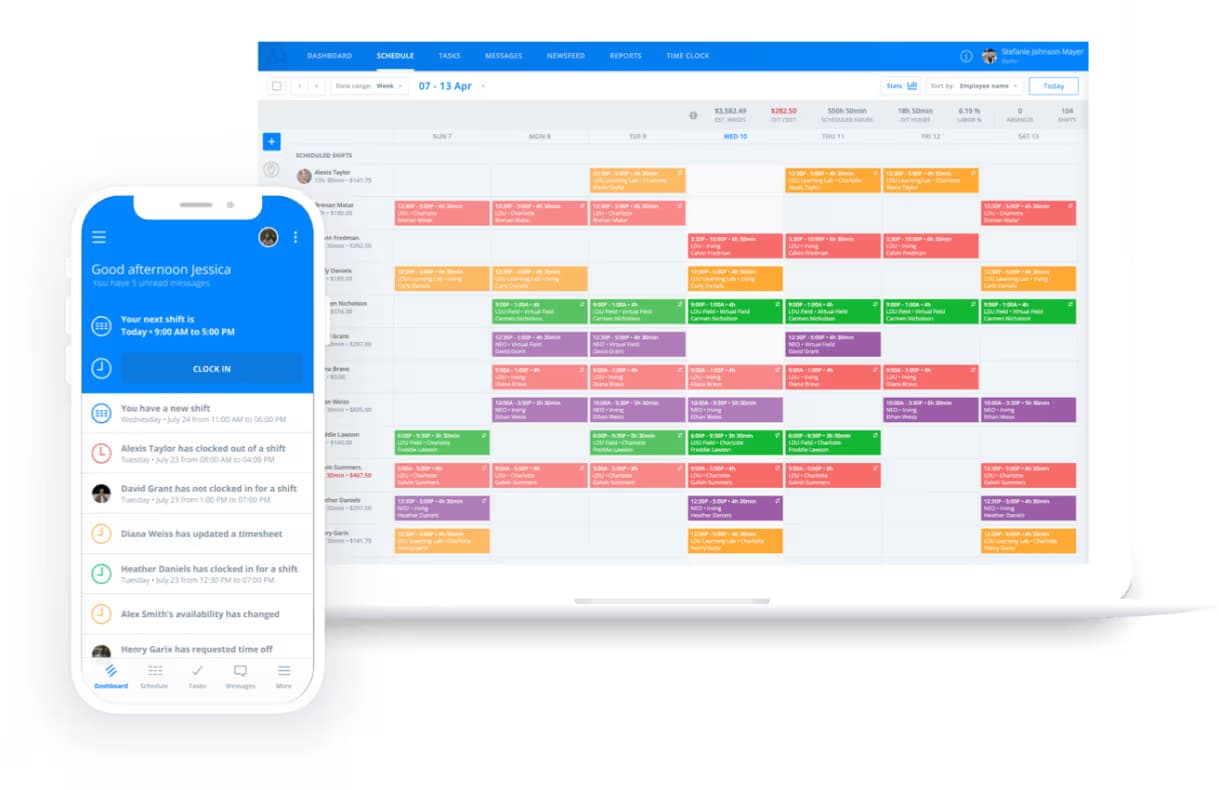
ClockShark includes a drag-and-drop scheduling module tightly integrated with time tracking. Managers can assign shifts, job locations, and tasks, and updates sync instantly to employee devices.
Additional features include:
- Recurring shifts for long-term projects
- Availability and time-off management
- Early/late arrival and no-show reporting
- In-app conversations and file attachments for job documentation
This reduces reliance on phone calls, texts, and paper schedules while keeping field and office teams aligned.
Integrations and Payroll Connectivity
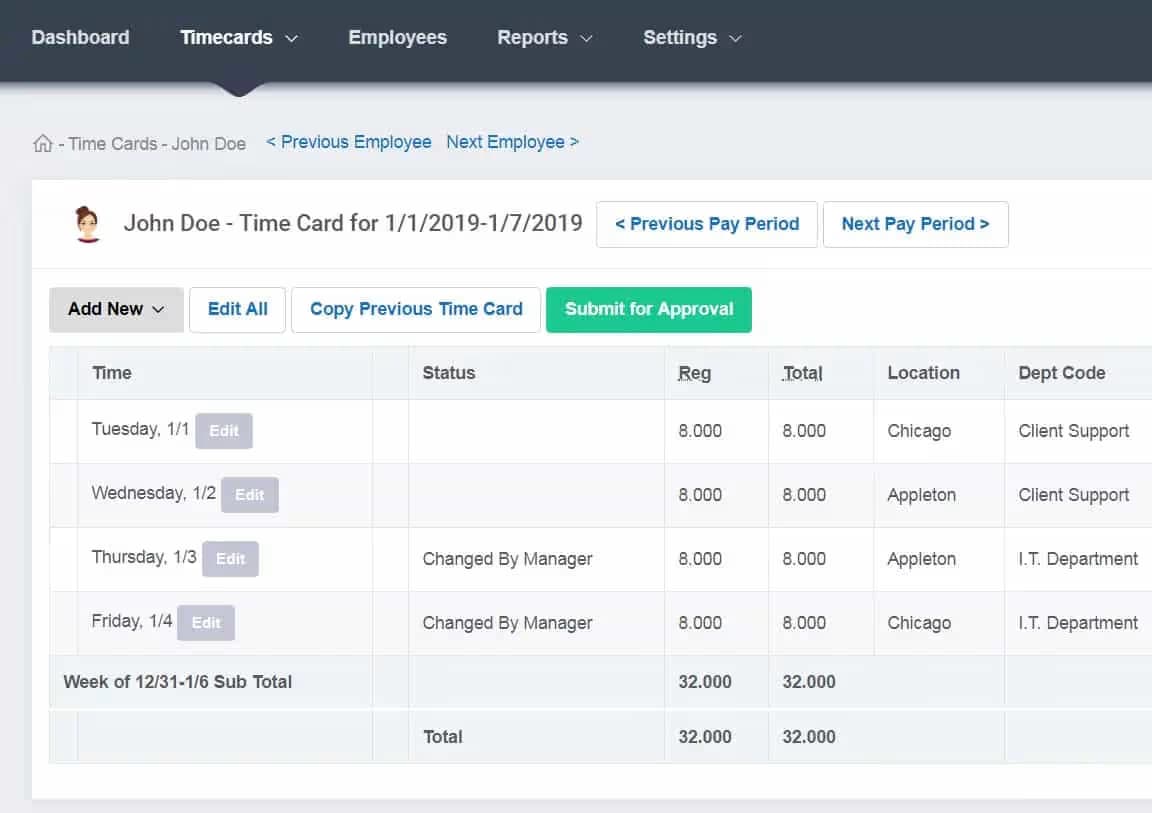
ClockShark’s ROI is amplified by its accounting and payroll integrations. Approved timesheets can be exported with one click to:
- QuickBooks Online and Desktop
- ADP Workforce Now and ADP RUN
- Sage 100 Contractor
- Xero and Gusto
For advanced workflows, ClockShark also integrates with Zapier and offers an API for custom ERP or reporting connections.
Pricing and Value for Money
ClockShark uses a base fee + per active user pricing model:
- Standard Plan: $40/month base + $9/user
- Pro Plan: $60/month base + $11/user
Only active users are billed, and charges are prorated when employees are added or removed mid-cycle which is praise worthy.
It is not the cheapest option on the market but they deliver strong value for trade businesses where labor accuracy and job costing are mission-critical.
ClockShark vs Competitors
- Vs BusyBusy: BusyBusy excels in equipment tracking, while ClockShark offers better job costing depth and product support.
- Vs Buddy Punch: Buddy Punch is more flexible across industries; ClockShark is superior for construction-specific workflows.
- Vs QuickBooks Time: QuickBooks Time integrates natively with Intuit but is significantly more expensive at scale.
- Vs Connecteam and Jibble: These broader employee app suites have chat, training features and low per-seat pricing at scale can be compelling. ClockShark emphasizes a trade-specific costing detail and payroll-grade verification model.
ClockShark’s specialization is its advantage. It is purpose-built for trades, not generalized workforce management.
Is ClockShark Worth It?
ClockShark is an excellent choice for construction and field service companies that need accurate labor tracking tied directly to jobs, tasks, and locations.
Best for:
- Construction, trades, landscaping, and field service teams
- Businesses using QuickBooks, ADP, or Sage
- Companies where job costing accuracy drives profitability
Not ideal for:
- Office-only teams
- Freelancers or micro-businesses
- Organizations needing mileage or fleet tracking
Frequently Asked Questions
Is ClockShark legit?
Yes. ClockShark has operated since 2014, serves thousands of trade-focused firms, and maintains official integrations with mainstream payroll and accounting platforms, including QuickBooks, ADP, Sage, Xero, and Gusto.
How much does ClockShark cost per month?
Standard is $40 base/month + $9 per active user. Pro is $60 base/month + $11 per active user. Billing is per active user with prorating for mid-cycle changes, described on the ClockShark pricing page.
Does ClockShark track you?
ClockShark records GPS only while you are clocked in, with periodic pings about every 15–20 minutes and on key events like clock-in and clock-out. It stops tracking off the clock and flags GPS accuracy, as detailed in the GPS FAQ.
Is ClockShark legal?
Used correctly, with notice, consent, and purpose limitation, GPS time tracking is legal in most jurisdictions for legitimate business interests like payroll and safety. Best practice is to provide a written policy, collect consent, and configure settings to track only during work hours, which matches ClockShark’s design as summarized in the feature brief.
What are the key features of ClockShark?
GPS-backed time tracking, geofencing reminders, CrewClock and KioskClock, task-level job costing, scheduling, Shift Wrap-Up compliance prompts, and payroll and accounting integrations. The product tour outlines them with video walkthroughs.